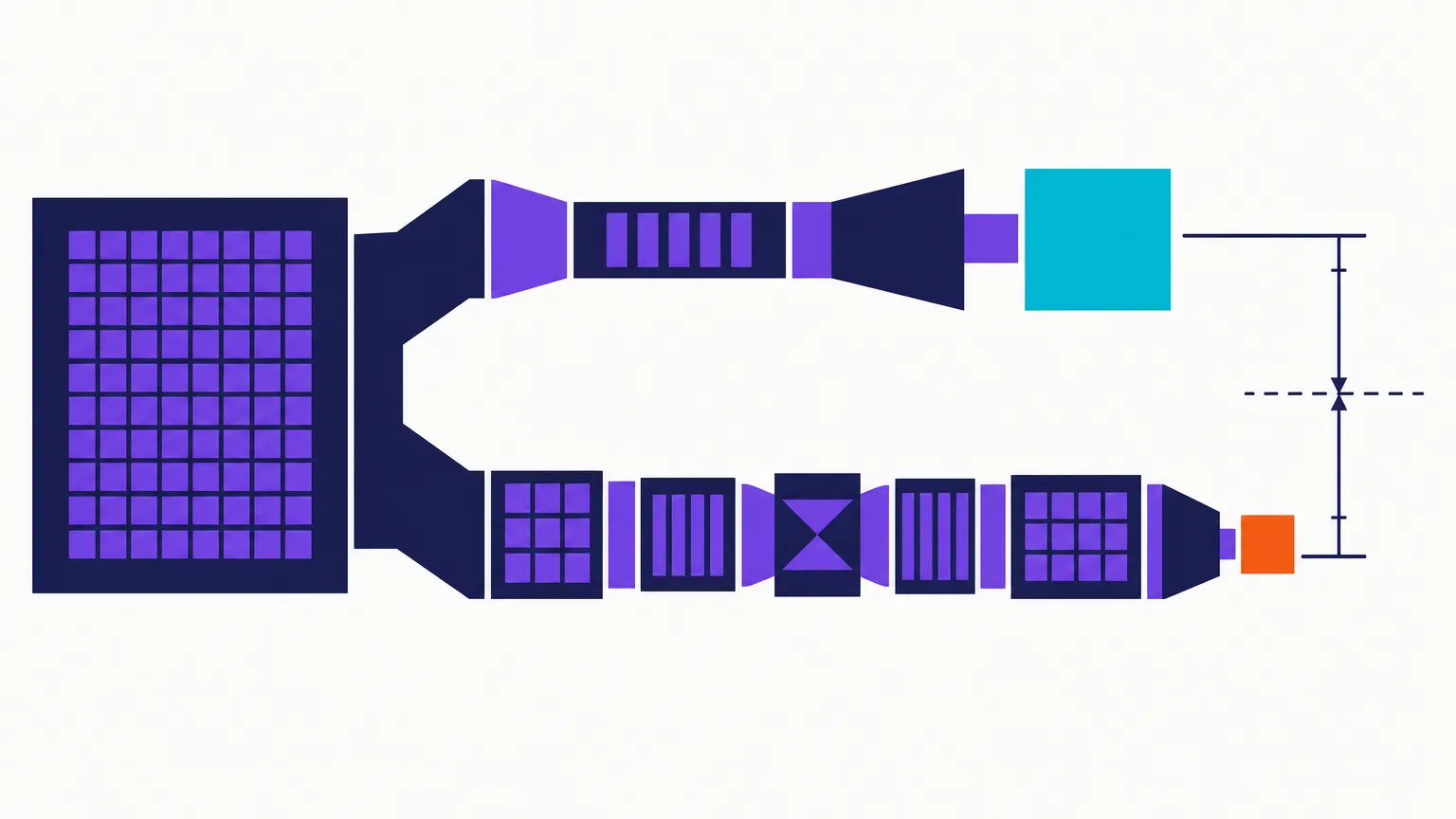
Use H.264 when the video has to work on an unknown browser, phone, TV or editor. Use H.265 when you control playback and the source is camera footage that genuinely benefits from the newer codec. H.265 can be substantially smaller, but it is slower to encode and the saving is not universal.
We tested both encoders instead of repeating the usual “H.265 is 50% smaller” claim. The result was more useful: H.265 saved 25–35% on our camera clip, saved much less on animation at high quality, and produced a larger file than H.264 on the screen recording.
Quick takeaways
- H.264 is the compatibility default. MP4 with H.264 video and AAC audio is still the safest handoff when you do not control the receiving device.
- H.265 won clearly on camera footage. Across six quality settings, its video stream was 25–35% smaller than H.264 at similar measured quality.
- H.265 did not win every content type. At CRF 23, our screen recording was 17% larger with H.265 while both outputs scored essentially perfect VMAF.
- Encoding took longer. H.265 was roughly 2–5 times slower across our local sweep; in one production-provider comparison it took 33.0 seconds versus 13.2 seconds for H.264.
- The same CRF number does not mean identical quality across codecs. Compare measured quality, not just CRF 23 against CRF 23.
- A target-size mode changes the question. If both codecs aim at roughly 20 MB, the codec affects how efficiently that budget preserves the picture; the final file can land a little above or below the requested target.
H.264 and H.265 solve the same problem differently
H.264, also called AVC, and H.265, also called HEVC, are video codecs. They
reduce the amount of data needed to describe a sequence of frames. MP4 is the
container that can hold either codec; changing a filename from .mov to .mp4
does not change the codec inside it.
H.265 uses more complex prediction and larger, more flexible coding blocks. In plain language, it can describe repeated detail and motion with fewer bits, but it asks more work from both the encoder and the device playing the result.
That creates the real trade-off:
| Decision | H.264 | H.265 / HEVC |
|---|---|---|
| Broad playback compatibility | Better | More dependent on OS, browser and hardware |
| File size at matched camera-footage quality | Larger | Usually smaller |
| Encoding speed | Faster | Slower |
| Editing and scrubbing on mixed devices | Safer | Can be heavier or unsupported |
| Archive you control | Good | Often the better size choice |
| File sent to an unknown recipient | Best default | Test first |
MDN's codec guidance recommends H.264 with AAC in MP4 when maximum web compatibility is the priority. Its HEVC guidance is more conditional because support can depend on the browser, operating system and available hardware. That does not make H.265 a bad codec. It means a smaller file is not a win when the recipient cannot decode it.
What we tested
We ran 36 local encodes: three 1080p source clips, two codecs and six CRF values per codec.
| Variable | Test setup |
|---|---|
| Content classes | Camera footage, animation, screen recording |
| Resolution | 1920×1080 |
| Duration | About 10 seconds per clip |
| Encoders | libx264 and libx265 |
| Preset | medium |
| CRF values | 18, 20, 23, 26, 28, 32 |
| Quality metrics | VMAF and SSIM against the source |
| Size measurement | Video stream only; audio excluded |
Using video-only bytes matters because an identical 128 kbps audio track can
hide the difference on a short clip. The measurement script and result rows
are committed with the project. Source provenance and regeneration notes live
in content/benchmark/reference-clips.json, but the source media is not checked
in, so a repository checkout alone cannot re-run the exact sweep.
This is a controlled codec comparison, not a promise about every video. Each content class contains one clip. Different grain, motion, lighting, encoder presets and hardware can move the result.
The same CRF 23 produced three different answers
CRF 23 is a useful middle row because it is common in real workflows. It is not a perfectly matched-quality comparison: the CRF scales do not transfer exactly between x264 and x265. The VMAF column shows how close each pair landed.
| Content | H.264 size | H.264 VMAF | H.265 size | H.265 VMAF | H.265 size change |
|---|---|---|---|---|---|
| Camera footage | 6.22 MiB | 93.74 | 4.34 MiB | 94.16 | 30% smaller |
| Animation | 6.98 MiB | 91.42 | 6.20 MiB | 90.94 | 11% smaller |
| Screen recording | 0.76 MiB | 99.98 | 0.89 MiB | 99.99 | 17% larger |
The camera result is the case behind the familiar H.265 recommendation: nearly the same measured quality, about a third fewer bytes. The screen result is the reason that recommendation needs a condition attached.
Camera footage: H.265 won consistently
Across the whole six-point sweep, H.265 used 25–35% fewer video bytes on the camera clip. The saving increased as the quality target became more aggressive.
| CRF | H.264 size / VMAF | H.265 size / VMAF | H.265 size change |
|---|---|---|---|
| 18 | 10.03 MiB / 97.98 | 7.51 MiB / 97.93 | 25% smaller |
| 20 | 8.27 MiB / 96.62 | 6.04 MiB / 96.71 | 27% smaller |
| 23 | 6.22 MiB / 93.74 | 4.34 MiB / 94.16 | 30% smaller |
| 26 | 4.63 MiB / 89.42 | 3.10 MiB / 90.40 | 33% smaller |
| 28 | 3.77 MiB / 85.61 | 2.48 MiB / 86.98 | 34% smaller |
| 32 | 2.45 MiB / 75.44 | 1.58 MiB / 77.99 | 35% smaller |
For phone footage, interviews, travel video and other natural camera material, H.265 is a real storage advantage when the playback environment supports it.
Animation: the answer depends on the quality region
At CRF 23 the H.265 output was 11% smaller, but it also scored 0.48 VMAF lower. At lower-quality settings H.265 pulled further ahead. Near the high-quality end, the gap closed because the x265 output needed more bits to reach the same VMAF.
Clean edges, flat colour, gradients and synthetic motion do not behave like camera noise. If animation is your main workload, test a representative clip rather than applying a camera-footage percentage.
Screen recording: H.264 was already extremely efficient
Every screen-recording output scored above VMAF 96.9. H.265 had almost no quality left to recover, and its files were larger at every CRF value in this particular sweep.
At CRF 23:
- H.264: 0.76 MiB, VMAF 99.98, 1.19 seconds to encode;
- H.265: 0.89 MiB, VMAF 99.99, 3.71 seconds to encode.
The H.265 file spent 17% more bytes and more than three times the encode time for a quality difference no viewer could use. Tutorials, dashboards, slides and product demos are therefore poor candidates for a blanket “switch to H.265” rule.
How much slower is H.265?
The exact multiplier depends on the content and encoder preset. In this local medium-preset sweep, x265 ranged from about twice as slow to more than five times as slow.
We also have one provider-side comparison using the same one-minute 1080p source and the provider's 50% compression mode:
| Codec | Compress task | Output size |
|---|---|---|
| H.264 | 13.15 seconds | 28.94 MB |
| H.265 | 33.04 seconds | 29.06 MB |
The output sizes are nearly identical because that mode was instructed to remove the same percentage. This run measures speed, not matched quality; no VMAF score was captured, so it cannot support a claim that one output looked better.
It does show why H.265 jobs cost more compute. On a laptop, phone or browser workflow, the same trade-off appears as longer export time, more battery use or more dependence on hardware acceleration.
When H.265 is the right choice
Choose H.265 when most of these are true:
- the source is camera footage rather than a screen recording;
- you control the playback devices;
- storage or transfer size matters more than encoding time;
- the result is an archive or private library rather than a public handoff;
- you can test the actual TV, browser, editor or phone that will play it.
A paid VidSmaller job can use H.265 when you want that trade-off. Keep the original until the result has played successfully on the destination device.
When H.264 is the better answer
Choose H.264 when any of these are true:
- the file is going to a client, customer or group chat;
- the receiving browser or device is unknown;
- the source is a screen recording;
- fast encoding matters;
- an upload form explicitly asks for H.264 MP4;
- the file will be edited on mixed hardware.
For general delivery, H.264 video + AAC audio inside MP4 remains the boring answer—and boring compatibility is valuable.
Codec does not replace bitrate, resolution or duration
A codec can spend a bitrate more efficiently. It cannot make an impossible bitrate sufficient.
A five-minute 4K file forced into 20 MB has only about 405 kbps per second after allowing for audio. H.265 may use that budget better than H.264, but neither can preserve real 4K detail at that number. Lowering the resolution will help more than changing the codec label.
Use the video compression calculator when a hard file size is involved. If the available bitrate is too low for the chosen resolution, change the resolution or duration before debating codecs.
For a quality target rather than a hard size, the measured CRF guide shows how camera, animation and screen content diverge.
A practical decision rule
- Sending it to someone else? Use H.264 unless they asked for HEVC.
- Keeping camera footage for yourself? Try H.265 and compare the output on the actual playback device.
- Compressing a screen recording? Start with H.264; our H.265 result was larger and slower.
- Trying to hit a file-size cap? Use target-size mode first. Codec choice is secondary to the bitrate budget.
- Uploading 4K? Decide whether the destination needs 4K before encoding. The 4K compression guide works through that decision with measured target-size jobs.
FAQ
Is H.265 always smaller than H.264?
No. It was 25–35% smaller on our camera clip, but the CRF 23 screen recording was 17% larger. Content type, encoder preset and quality target all matter.
Does H.265 have better quality than H.264?
At the same bitrate, H.265 can often preserve more camera detail. At the same CRF number, quality is not guaranteed to match because the scales are not identical. Compare the image or a metric such as VMAF, not the number alone.
Is H.265 the same as HEVC?
Yes. H.265 is the ITU-T name and HEVC stands for High Efficiency Video Coding. They refer to the same codec family.
Can MP4 contain H.265 video?
Yes. MP4 is a container and can carry H.264 or H.265. An .mp4 extension does
not guarantee which codec is inside.
Why will an H.265 file not play?
The player may lack an HEVC decoder, the browser may depend on operating-system support, or the device may not have suitable hardware decoding. Re-encode a delivery copy as H.264 MP4 rather than renaming the extension.
Which codec should I use for YouTube?
YouTube accepts multiple codecs, but its published upload guidance recommends MP4 with H.264 for a straightforward upload workflow. It will transcode the upload again for delivery.
Which codec should I use for screen recordings?
Start with H.264. In our 1080p screen test it was smaller and much faster while both codecs scored essentially perfect VMAF.
Does VidSmaller support H.265?
Yes, H.265 output is available on paid compression jobs. Use H.264 for broad sharing and H.265 when smaller camera-footage output is worth the compatibility and encoding-time trade-off.
Sources and limitations
- First-party measurements:
scripts/crf-sweep-results.jsonl, measured September 14, 2026; 36 relevant encodes across three source clips. Source provenance is recorded incontent/benchmark/reference-clips.json, but the media files are not checked in. - Provider speed measurements:
scripts/fc-benchmark-results.jsonl, measured September 6, 2026. - Compatibility guidance: MDN codec selection and MDN's video codec guide.
- One clip per content class is enough to disprove a universal saving, but not enough to predict the exact percentage for your next file.
Compress a video with H.264 for compatibility, or select H.265 when you control where the result will play.